Round Levels Indicator for MT5: Auto 00 and 50 Psychological Levels
- Instant Download
- Lifetime Access
- Free Updates
- 24/7 Support
Code: IN36489
Round numbers such as 65,300 or 4,000 tend to draw attention from traders, and many people mark them by hand. This round levels indicator for MT5 draws them automatically as horizontal lines above and below the current price. Each line carries a price label, a small panel names the nearest 00 and 50 levels, and an alert can fire when price reaches one.
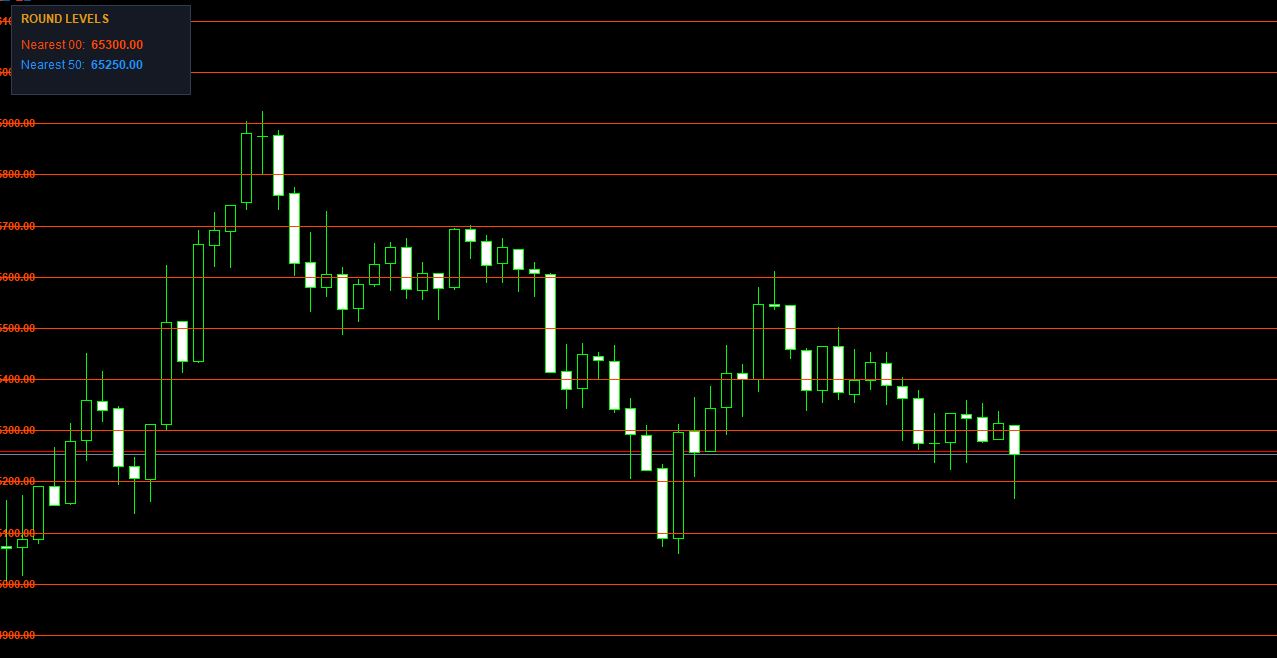
Auto-Drawn Lines at 00 and 50 Prices, Above and Below the Market
- Lines placed for you. The indicator starts at the current bid price and draws levels upward and downward, 10 in each direction by default.
- 00 and 50 told apart. The 00 levels use a solid OrangeRed line by default. The 50 levels use a dashed DodgerBlue line. Both colors are editable.
- Price labels on the lines. Each line is labeled with its price in the same color, placed at the left edge of the chart. You can turn labels off.
- Lines that run to the right. Each level extends rightward as a ray, so it stays visible as new bars form.
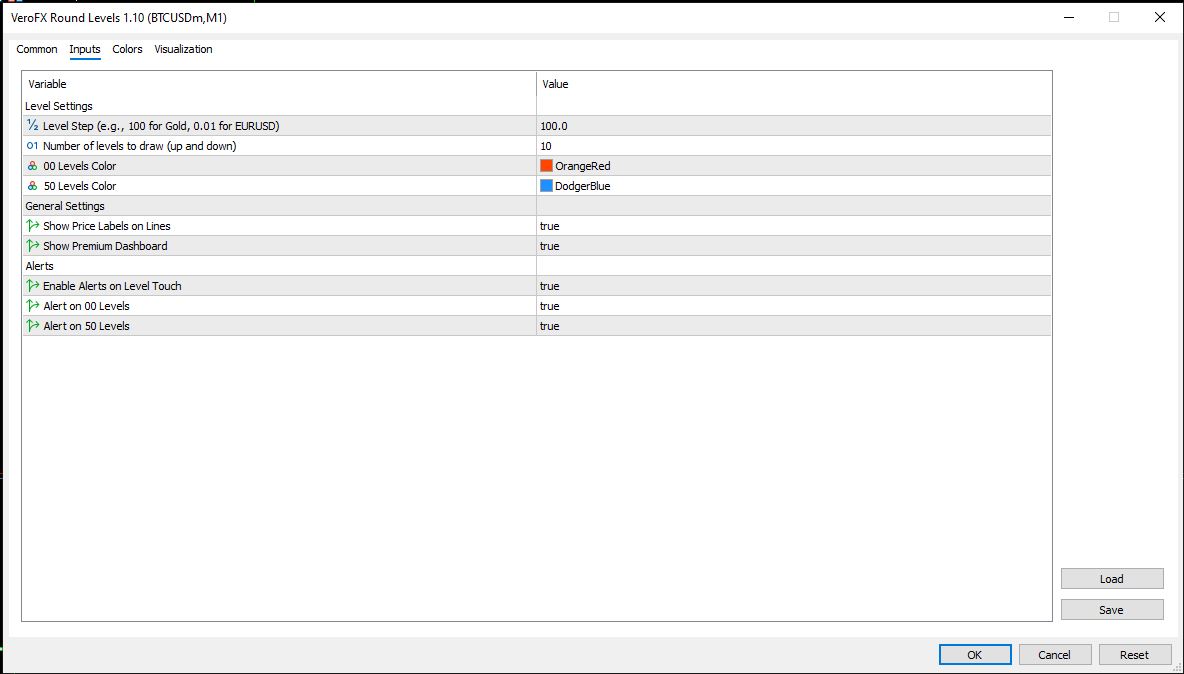
- Adjustable depth. “Number of levels to draw (up and down)” sets how far the grid extends from the current price.
- A clickable VeroFX.com label sits in the lower-right corner of the chart.
How the Level Step Decides Which Lines Appear
“Level Step” sets the spacing of the candidate lines. The default is 100.0, and the input label gives 100 for gold and 0.01 for EURUSD as examples. From the current price, the indicator steps up and down in that increment. It then keeps only the prices that end in 00 or 50 in the symbol’s own digit scale, and discards the rest.
In practice, the step you choose controls whether both line types can appear. With a step of 100, as in the screenshots on BTCUSDm, only 00 lines are drawn. A step of 50 gives both 00 and 50 lines on that symbol. Test a few steps on a demo chart for each instrument you trade.
Touch Alerts for 00 and 50 Levels
When “Enable Alerts on Level Touch” is on, the indicator checks the price about once a second. It compares price with the nearest 00 level and the nearest 50 level. If bid and ask are within 10 points of a level, it shows a terminal alert and a message in the Experts log, for example: “VeroFX Alert: Price touched 00 Level at 65300.00”. The same level won’t alert twice in a row. Separate switches turn the 00 alerts and the 50 alerts on or off.
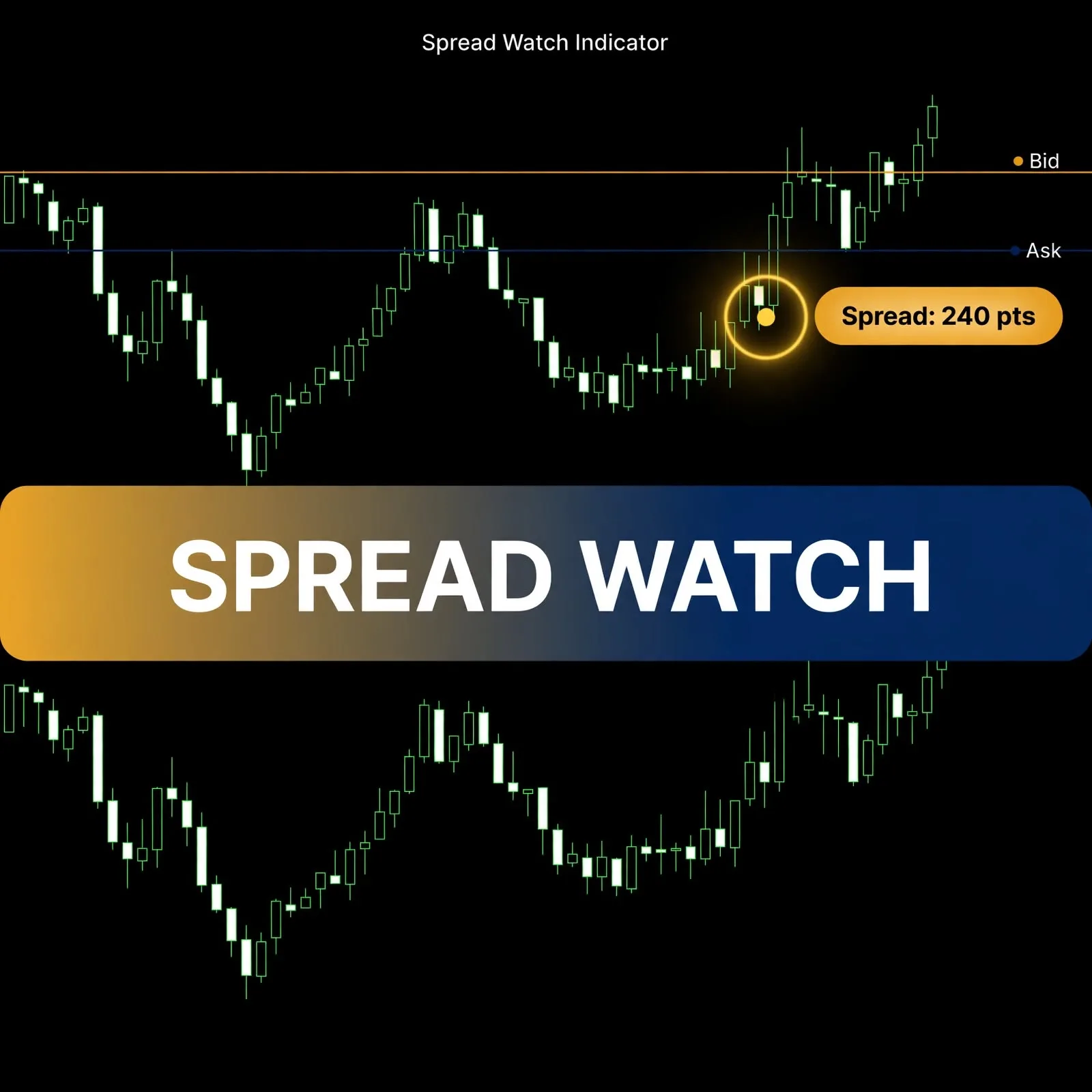
Because the touch test uses both bid and ask, wide spreads can affect when it fires. The Spread Watch live spread monitor alert indicator can help you keep an eye on that.
Reading the Nearest 00 and Nearest 50 Panel
The upper-left panel lists “Nearest 00” and “Nearest 50”, each with a price in its line color. The values update about once a second from the current bid. This panel works independently of the lines, so it still gives you the closest 00 and 50 prices even when a step setting draws only one type. It can be switched off with “Show Premium Dashboard”.
Loading Round Levels Into an MT5 Chart
In MT5, choose File → Open Data Folder and copy the indicator file into MQL5\Indicators. Restart the terminal or refresh the Navigator, then drag Round Levels onto a chart. It draws in the main chart window. The screenshots show it on BTCUSDm, M1. Before relying on it, try it on a demo account and check how your step value places lines on each symbol.
A Fit for Traders Who Watch Round Numbers, Not for Anyone Seeking Entries
This tool suits traders who treat round prices as areas of interest and want them drawn consistently, with a nudge when price arrives. It pairs naturally with reading strong vs weak support resistance zones, since round numbers are only one kind of level.
It is not for traders who expect buy or sell signals, automated trading or predictions. It draws reference lines, shows the closest levels and sends touch alerts. It does not suggest entries or exits.
Where Round-Number Lines Fall Short
- Lines are placed at load. The grid is built from the price when the indicator is attached. It is not rebuilt as price moves, so after a large move you may need to remove and re-add the indicator.
- Limited range. Only the set number of levels above and below the starting price are drawn. A big move can take price beyond them.
- Step setting matters. A step that doesn’t line up with 00 and 50 prices can leave levels out, and a step of 100 draws no 50 lines.
- A line is not a reason to trade. Price can slice through, pause at or ignore a round number.
- Alert precision varies. The 10-point touch zone means different things on different symbols. Spread, slippage and latency can shift when and whether an alert fires. Compatibility may vary by broker and account type.
- Alerts need an open terminal. They appear only while MT5 is running with the indicator attached to a chart.
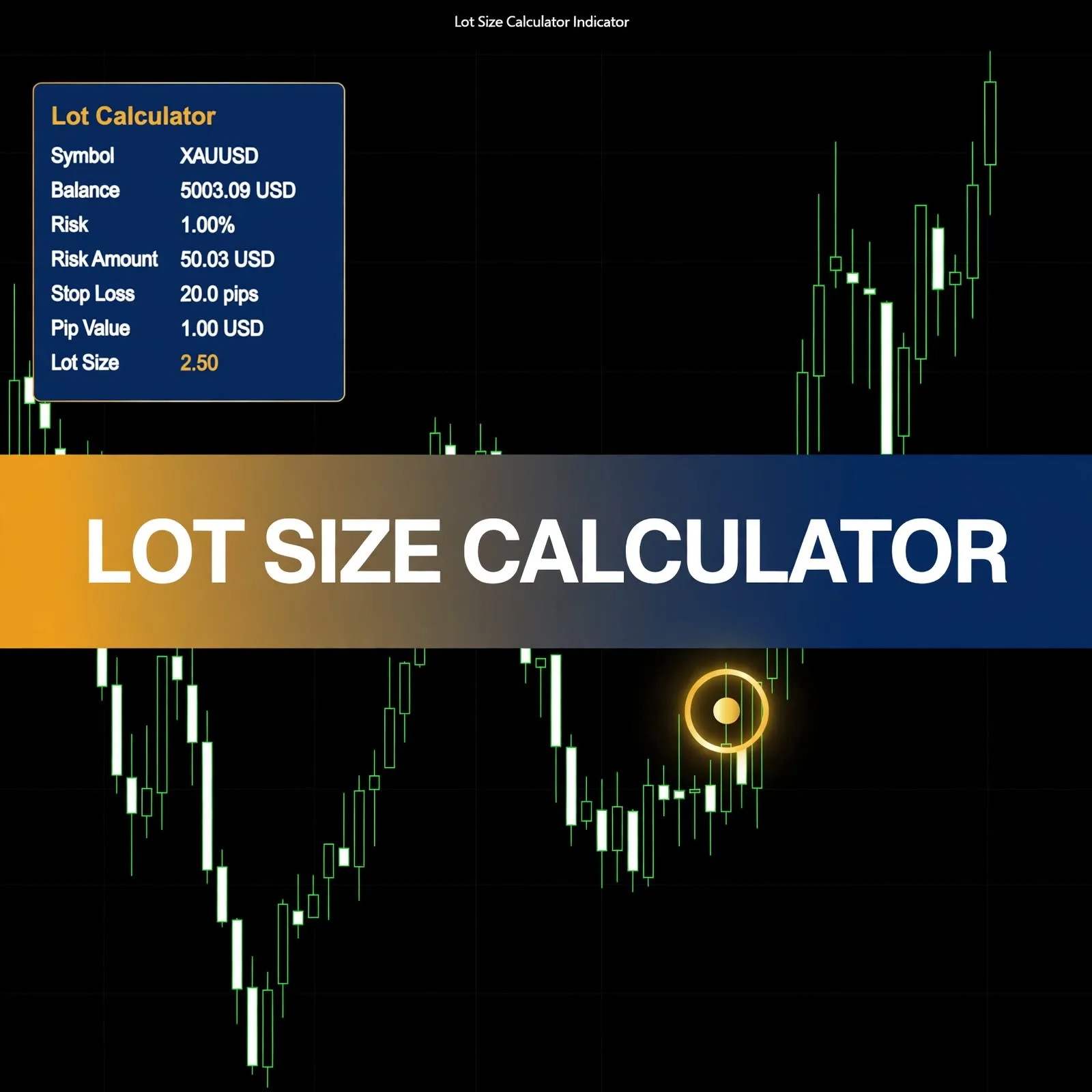
Level-based ideas still need position sizing. The money management in trading complete guide covers that part.
Questions About Level Step, Touch Alerts and Why Only Red Lines Show
Why do I only see red lines and no blue ones?
The blue 50 lines are drawn only when the Level Step includes prices ending in 50. With a step of 100, only 00 lines appear. Try a step of 50. The “Nearest 50” value in the panel and the 50-level alerts work either way.
What counts as a “touch”?
The indicator treats price as touching a level when bid and ask are both within 10 points of it. It then shows one alert for that level and does not repeat until a different level triggers.
Can I turn off the price labels?
Yes. Set “Show Price Labels on Lines” to false. The lines and the panel stay. The panel can also be hidden separately.
Do the lines move with price?
No. They are placed when the indicator loads, around the price at that moment. The panel and alerts keep following the current price, so re-attach the indicator if you want a fresh grid.
Disclaimer
This product is provided for educational and analytical purposes only and is not financial advice. Forex and CFD trading involves a high level of risk, and you can lose some or all of your capital. Leverage can magnify both gains and losses. No product can guarantee profits, and results vary. Never trade with money you can’t afford to lose.
Indicators display information based on historical price data and may produce misleading or delayed signals in some market conditions. They should be used as one part of a complete trading plan with proper risk management.
MetaTrader, MT4, and MT5 are trademarks of their respective owners. This product is not affiliated with or endorsed by MetaQuotes Ltd.