Pip Value: Per-Lot Pip Value Indicator for MT5
- Instant Download
- Lifetime Access
- Free Updates
- 24/7 Support
Code: IN07341
Before you set a stop or choose a volume, you need to know what one pip is worth on the symbol in front of you. That figure isn’t the same on every instrument, and looking it up in a contract specification mid-trade is slow. Pip Value is a pip value indicator for MT5 that puts pip size and the value of a pip per lot directly on your chart.
Pip Size and Three Lot Sizes in One Small Chart Panel
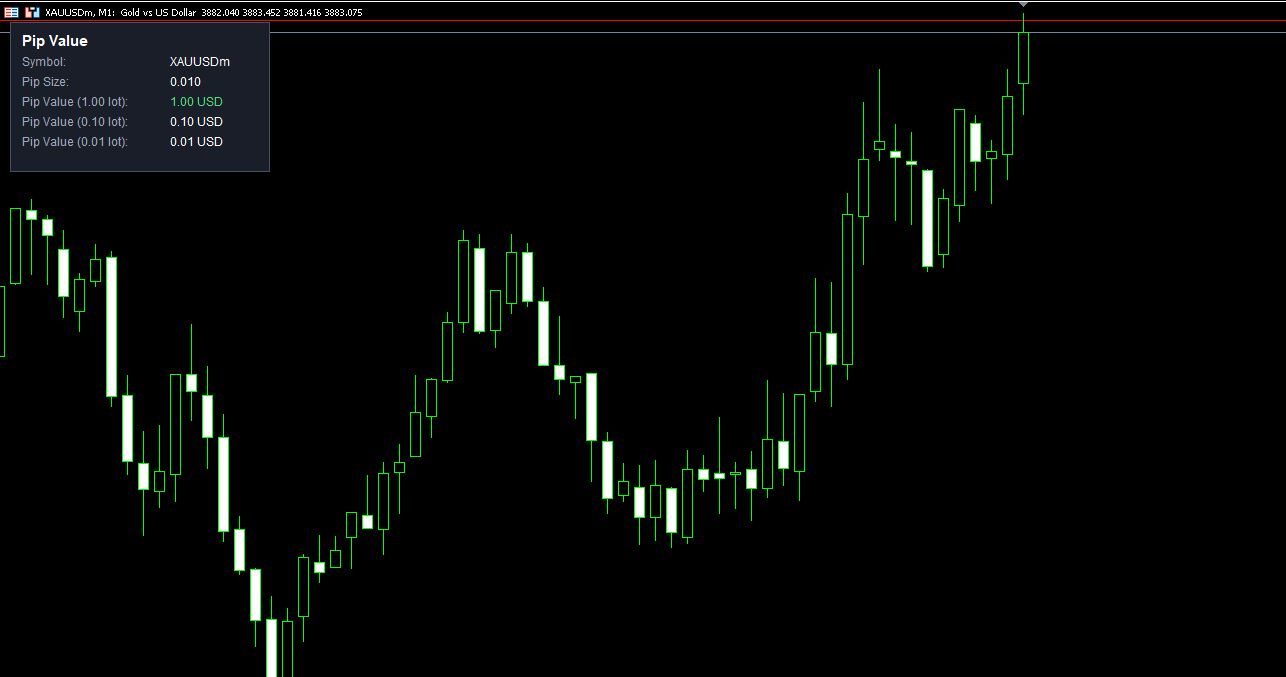
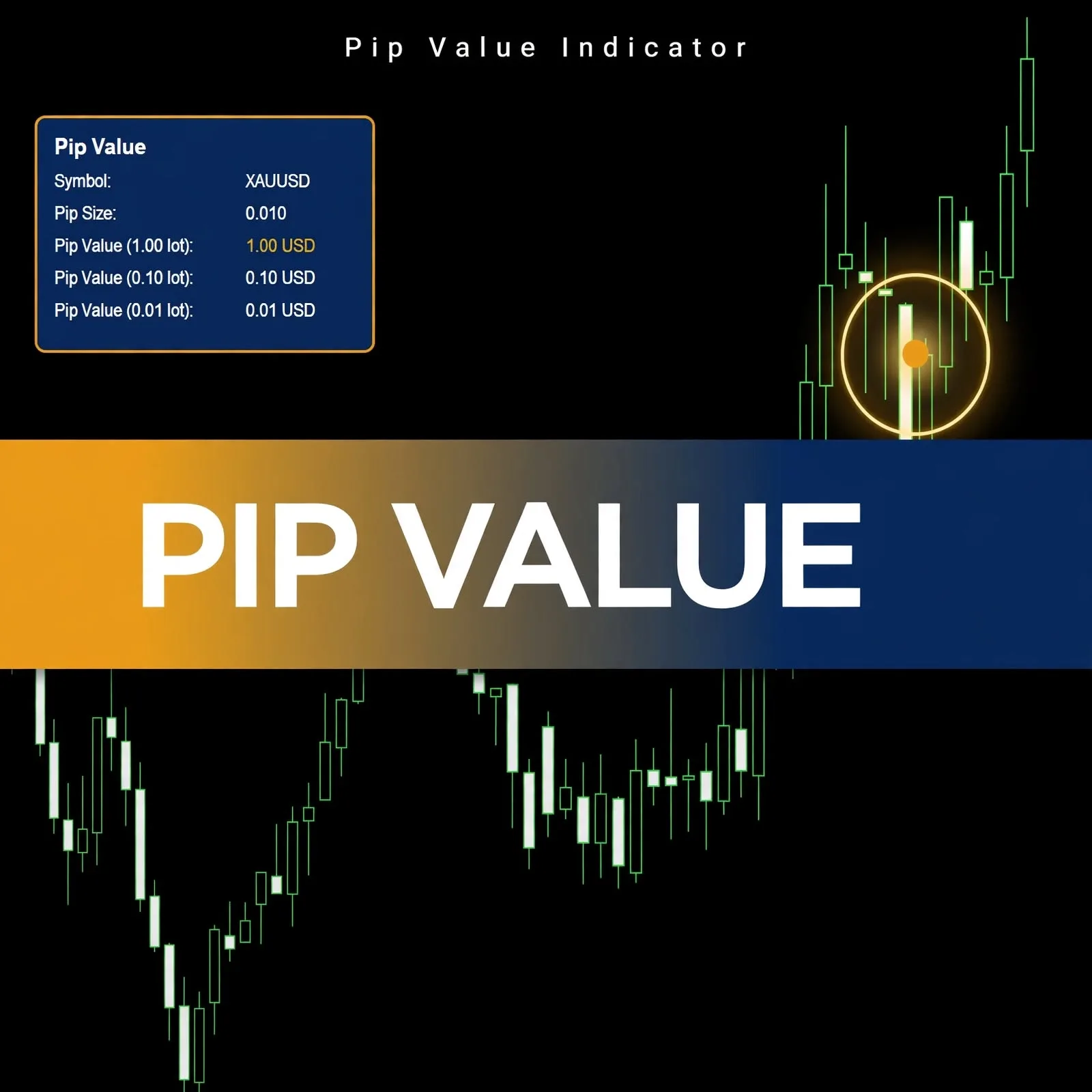
The panel in the product screenshot shows five lines:
| Panel line | Example shown |
|---|---|
| Symbol | XAUUSDm |
| Pip Size | 0.010 |
| Pip Value (1.00 lot) | 1.00 USD |
| Pip Value (0.10 lot) | 0.10 USD |
| Pip Value (0.01 lot) | 0.01 USD |
The 1.00 lot line is highlighted in green, with the 0.10 and 0.01 lot lines beneath it. You can see how the value scales across the most common lot sizes without doing any multiplication.
Reading Pip Value Per Lot Before You Place a Trade
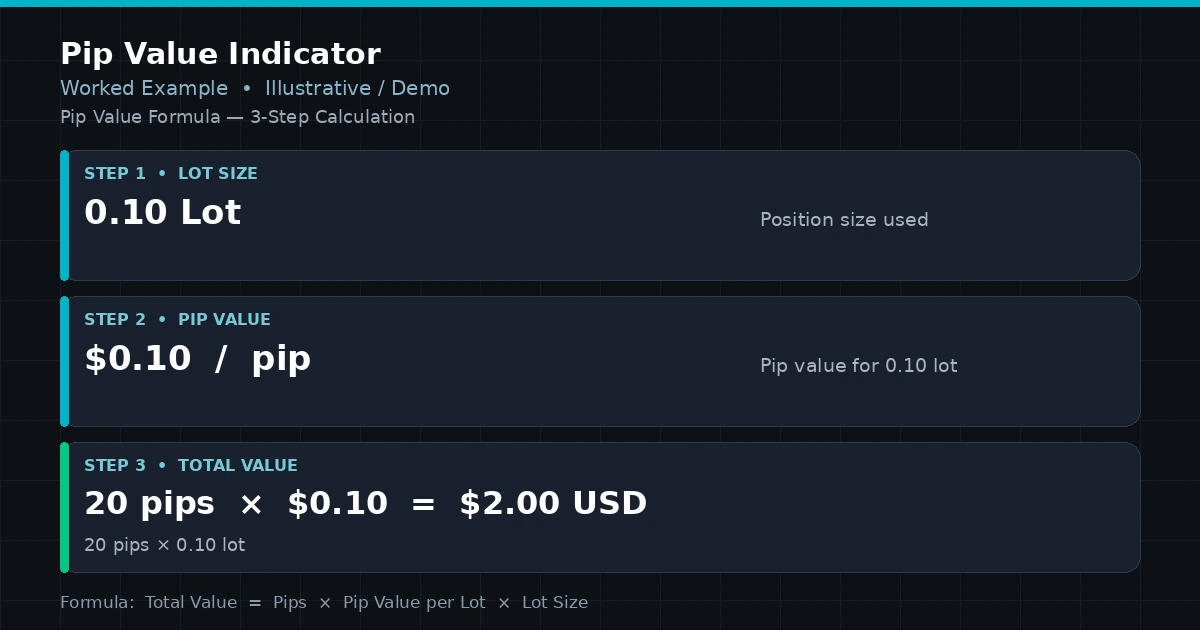
Pip value is the amount of money one pip of movement is worth for a given volume. Using the numbers in the screenshot, a 20-pip move on a 0.10 lot position is worth 20 × 0.10 USD, which is 2.00 USD. On a 1.00 lot position, the same 20 pips would be worth 20.00 USD.
Having these figures visible helps in a few practical ways:
- You can estimate what a planned stop distance would cost before entering.
- You can compare lot sizes side by side.
- You don’t have to switch to a separate calculator or contract table for a quick check.
The link between pip value, account currency, and profit is explained in account currency pip value profit calculation.
What “Pip Size 0.010” Means on a Gold Symbol
The panel lists Pip Size as 0.010 for the gold symbol in the screenshot. A pip’s size isn’t universal. Forex pairs, metals, and indices can each define it differently, and brokers can set their own contract specifications. The indicator displays the pip size alongside the pip value so you can see which convention the numbers are based on, and you can compare it with your broker’s own specification. For symbol-specific background, see gold trading for beginners.
Where It Runs, and What the Screenshot Shows
The screenshot was captured on a gold symbol (XAUUSDm) on an M1 chart. Other symbols and timeframes aren’t specified on this page, so test on a demo account with your own instruments to see what the panel reports for each. Compatibility may vary by broker and account type.
Installing a Pip Value .ex5 File in MT5
MT5 indicators are normally installed as .ex5 files. In MT5, choose File > Open Data Folder, then MQL5 > Indicators, and copy the file there. Refresh the Navigator panel (or restart MT5), then drag Pip Value onto a chart.
A Fit for Traders Who Check Pip Cost Before Sizing Up
Likely a good fit if you:
- Trade several symbols and want pip value visible without a lookup
- Plan stops in pips and want to see their cost at different lot sizes
- Prefer to work out position size yourself, with the pip value in front of you
Probably not for you if you:
- Want an indicator that suggests entries or exits
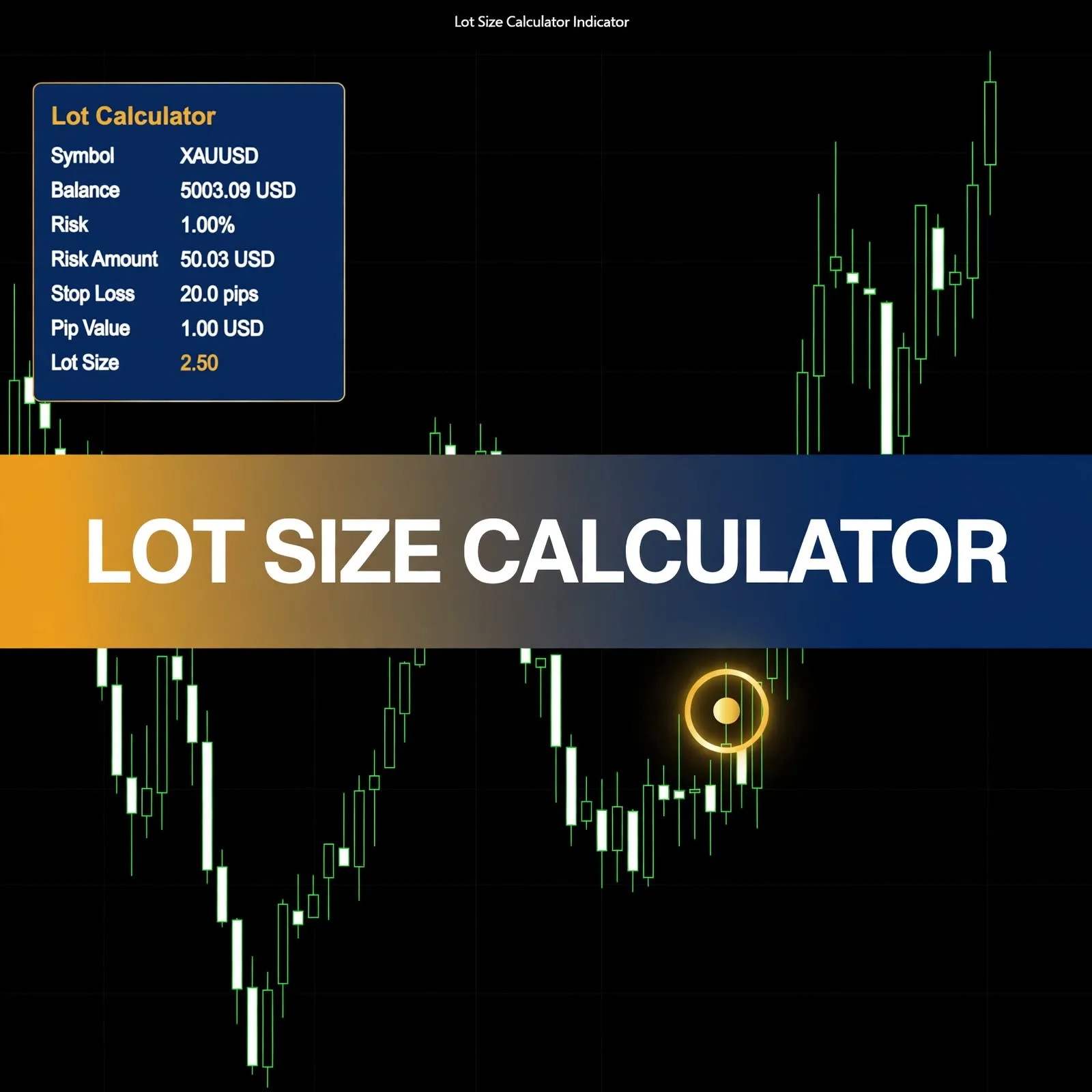
- Expect it to choose a lot size for you from your balance and risk
- Need a full profit and loss calculator that includes spread, swap, and commission
Where a Pip Value Readout Can Mislead You
A per-lot figure is a reference, not a full picture of trade cost:
- It reflects the symbol’s specification. If a broker’s pip definition differs from what you assume, any calculation you build on it will be off.
- Different instruments, different conventions. A value that suits one symbol shouldn’t be copied to another.
- Currency effects. For pairs where the quote currency isn’t your account currency, pip value in your account currency can shift as exchange rates move. Check how your platform reports it.
- Spread, slippage, and commission aren’t included. They add to the cost of a trade beyond pip movement.
- The indicator displays information based on market and symbol data and can mislead if you rely on it alone.
Pip value is one input to sizing a trade. For how it fits with risk per trade and position sizing, read the money management in trading complete guide.
Questions About Pip Size, Lot Sizes, and Symbols
Which lot sizes does the panel show?
The product screenshot shows pip value for 1.00, 0.10, and 0.01 lots, along with the symbol and pip size.
Does it calculate my lot size?
No. It shows what a pip is worth per lot. You decide the lot size and stop distance yourself.
Will it show different numbers on other symbols?
Pip size and pip value depend on each symbol’s specification, so the figures can differ between instruments. Test it on your symbols using a demo account.
Does it work on any timeframe?
The screenshot was taken on M1. Pip value for a symbol doesn’t depend on the chart’s timeframe, but test the indicator on the timeframes you use. Compatibility may vary by broker and account type.
Disclaimer
This product is provided for educational and analytical purposes only and is not financial advice. Forex and CFD trading involves a high level of risk, and you can lose some or all of your capital. Leverage can magnify both gains and losses. No product can guarantee profits, and results vary. Never trade with money you can’t afford to lose.
Indicators display information based on historical price data and may produce misleading or delayed signals in some market conditions. They should be used as one part of a complete trading plan with proper risk management.
MetaTrader, MT4, and MT5 are trademarks of their respective owners. This product is not affiliated with or endorsed by MetaQuotes Ltd.